Privacy & cookies

 Dominic Fischer | July 2026
A QR code is only a doorway. Here is how destinations can make sure visitors have a reason to walk through it.
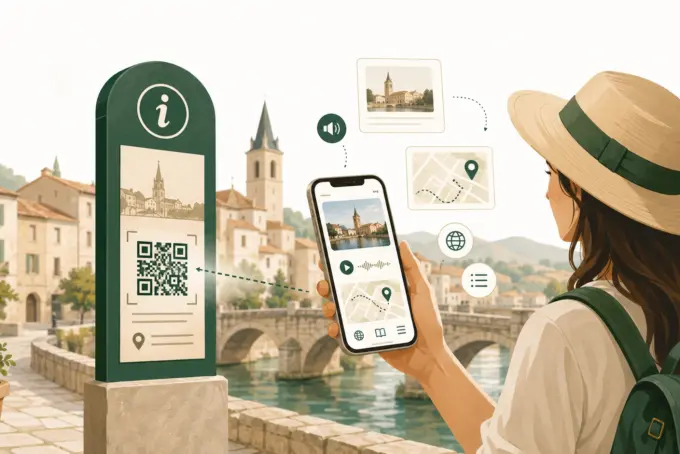
A scan is not the same as a good visitor experience.
QR codes appear on attraction signs, museum labels, walking routes and town maps. In principle, they connect a physical place to useful digital information in seconds. In practice, they can also send visitors to a general council website, a lengthy PDF or a page that no longer exists. The technology is rarely the difficult part. The challenge is knowing what someone standing at that particular spot actually needs. The following nine mistakes are common, but avoidable.
“Scan me” explains an action, not a benefit. People are more likely to engage when the sign tells them what they will receive: “Hear the town hall’s story”, “Start the heritage walk” or “Read this in another language”. One clear promise is usually better than a list of features. Make the benefit visible before asking someone to take out their phone.
A code that is too small, too high up or mounted on a reflective surface may be difficult to scan. Poor lighting, awkward angles and a lack of space to stop can make matters worse. Test the actual installed code at different times of day and from a comfortable standing position. A successful test on a printed sheet in an office is not enough.

Someone scanning a code beside a historic building should reach information about that building, not a website menu. The same applies to a walking tour: a code at stop four should open the relevant stop, or clearly explain how to join the route from there.
Every extra step places more work between curiosity and content. Deep links make the journey simpler.
Most QR codes are scanned on phones, yet some still lead to desktop-style websites, dense documents or tiny navigation links. Outside, visitors may be reading in bright sunlight and holding their phone with one hand.
Use short sections, meaningful headings, readable type, responsive layouts and simple controls. Images and audio can make the content richer, but files should load efficiently on mobile connections.
A QR code suggests instant access. A detour to an app store, installation process or registration screen can put people off, particularly during a one-off visit.
Browser-based content is often better suited to spontaneous encounters. Native apps still have a place where repeat use, advanced device features or extensive offline functionality justify them. Choose based on the visit, not on habit.
Digitising an entire brochure is rarely the right answer for someone standing at an attraction. On the other hand, a single sentence adds little beyond the sign itself.
Think in layers: a brief introduction, followed by optional images, an audio story, historical background or suggested nearby stops. What is useful at a viewpoint differs from what is helpful in a shopping street or a museum.
Public QR codes can be damaged or covered with fraudulent stickers. Visitors should be able to recognise the organisation behind a link before using it.
Use clear official branding, a plain description of the destination and, where possible, a recognisable web address. Inspect physical codes periodically, particularly in unsupervised public spaces. A code is a public-facing information point and should be managed accordingly.
A QR code can make multilingual interpretation possible without overcrowding a printed panel. But there is little benefit if the language options do not reflect actual visitors, or if the mobile content is difficult to use.
Prioritise languages based on visitor needs. Consider contrast, readable text, image descriptions, captions and transcripts for audio. Digital access can remove some barriers, but it needs deliberate design and testing.
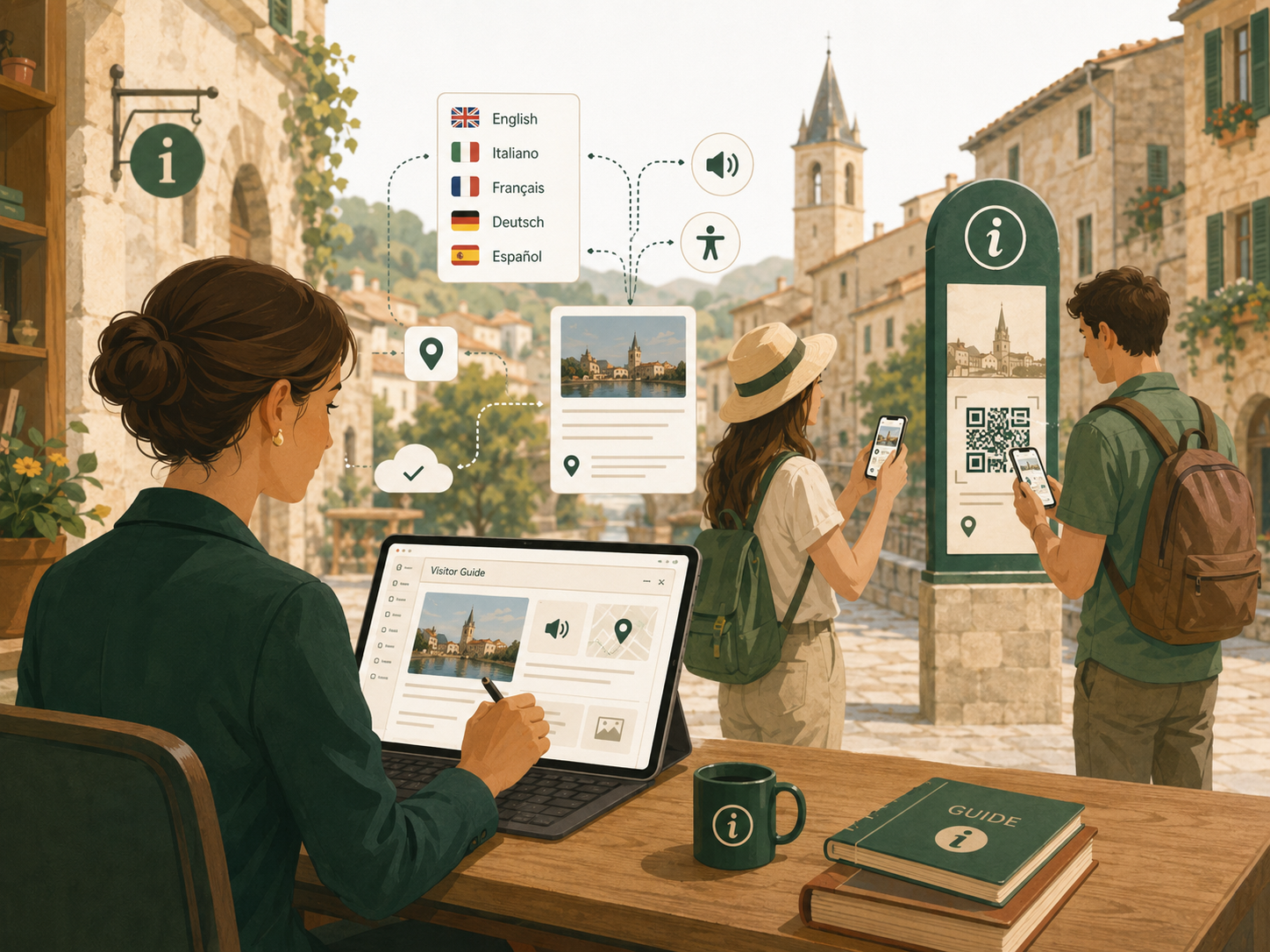
The code may stay in place while opening times, event details and external links change. If nobody owns the content, even a well-designed project will become less useful. Before installation, agree who can update each page, how often it will be reviewed, who checks the signs themselves and what happens when a link needs replacing. A centrally managed content system may make updates easier, but clear responsibility is still essential.
A QR code is neither a digital strategy nor a gimmick. It is a practical bridge between something visitors can see in the physical world and information they can choose to explore on their phones. The strongest projects start with the visitor’s situation, then design the sign, landing page and content together. MAQNIFY® Guide is one way to connect existing panels and printed materials to browser-based texts, images, audio and walks, with content managed centrally. The wider lesson applies regardless of platform: make the benefit obvious, minimise friction and plan for maintenance from the outset.
Would you like to explore how QR codes could be used for your visitor information, your tourist attractions or a digital city tour? Please get in touch with us to discuss your specific use case.