Privacy & cookies

 Dominic Fischer | August 2026
From spontaneous town visits to multilingual heritage trails, browser-based walks offer a practical option – but they are not right for every project.
Start with how people explore a place, not with the technology.
A visitor wanders into an unfamiliar town, stops outside an old building and wants to know more. A digital walking tour could provide the story immediately. But should the visitor have to install an app first?
Both native apps and browser-based guides can work well. The decision depends on how often people will use the service, where they will find it and what it needs to do.
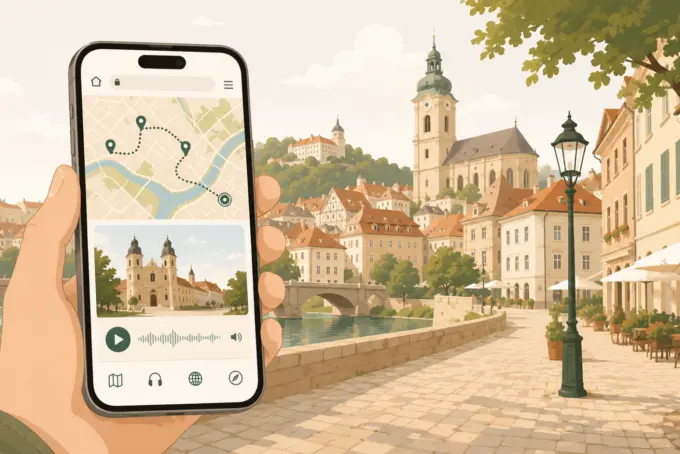
A browser-based tour opens as a website on a visitor’s smartphone. People can access it from a QR code on a sign, a link on a destination website or a leaflet. There is no separate app-store installation.
The tour can still include mapped stops, short text, historic photographs, audio, video and related places to visit. The format does not dictate the quality or breadth of the experience. That depends on how well the route and content are planned.
Many leisure visits are spontaneous. Someone notices a small trail marker or spots an interesting building while passing through. They may be curious, but not curious enough to download software for a ten-minute detour.
Opening a relevant page directly in the browser removes some of that friction. It does not remove all of it. A confusing mobile interface or a QR code in the wrong place can still lose the visitor before the story begins.
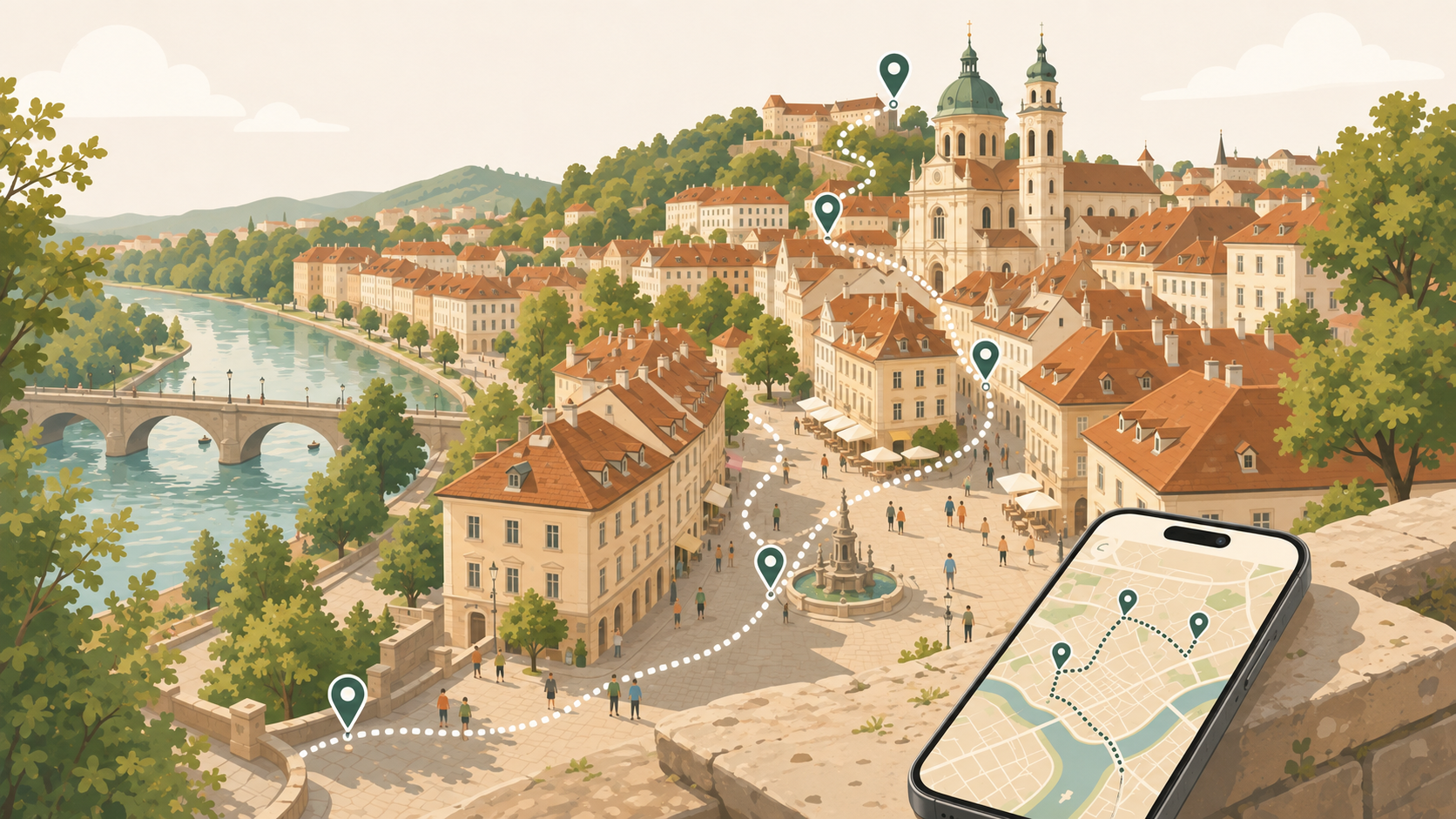
It is tempting to include a map, video, audio, quizzes and every piece of archival material available. Yet a short audio recording may be more engaging at one stop, while a photograph with a simple caption may work better at another.
Good interpretation gives people the freedom to look at their surroundings. Audio, in particular, can let visitors listen while taking in the place rather than reading a screen throughout the walk.
Plan each stop by asking what the person needs to understand here, how much time they might have and which medium serves the story best.
A printed heritage trail may already contain excellent research. Transferring all its text into a long mobile page, however, misses an opportunity.
Digital content can be layered: a quick orientation first, then deeper history for interested visitors, an optional audio track and links to nearby places. That is a better use of the medium than asking everybody to read the same long explanation.
The principle also applies to signage. Physical and digital information do not need to compete; they can serve different purposes at different moments.
Traditional interpretation panels have limited room for translations. A browser-based guide can present separate language versions without overcrowding the physical sign.
A walking tour in Breisach, Germany, offers a useful example of the approach: QR codes supplement existing signage, while digital information is made available in several languages. The point is not that every destination needs the same set of languages. It is that translation can be planned around the people using the route.
An online guide generally relies on mobile connectivity. Depending on its technical design, offline downloads, push notifications and certain device-specific functions may be less straightforward than with a native app.
Maintenance matters too. Incorrect opening times, broken links and outdated recommendations can undermine a tour as quickly as an old information board. There also remains a place for guided walks led by people, printed maps and clear physical wayfinding. These experiences can complement each other rather than compete.
A native app may be justified for a frequently used service or a complex experience that needs specialist device functions and robust offline access. For a short heritage trail used by occasional visitors, a browser-based route may be more convenient.
Before commissioning either, ask how people will discover the walk, whether they are likely to return, which functions are genuinely essential, what network conditions are like and who will maintain the content. Consider how the route connects with existing signs, tourist information and local businesses.
A useful first pilot might focus on a small number of stops rather than an entire town. Testing with real visitors will reveal whether the entry point, navigation and stories are clear.
The app-versus-browser debate is ultimately secondary. Visitors want to find the walk, understand where they are and discover something worthwhile. The easier it is to move from curiosity to a good story, the more useful the service becomes.
MAQNIFY® Guide supports browser-based routes with text, images and audio, without an app download. But whichever platform a destination chooses, content quality, a clear entry point and a realistic plan for ongoing maintenance should lead the project.